

Ensuring an AI phone assistant books dental appointments correctly is critical for practice efficiency. Inaccurate bookings lead to double-booking, no-shows, and frustrated patients. This guide outlines seven practical methods to test and validate your AI receptionist's scheduling capabilities before and after deployment.
1. Test Calendar Synchronization Latency
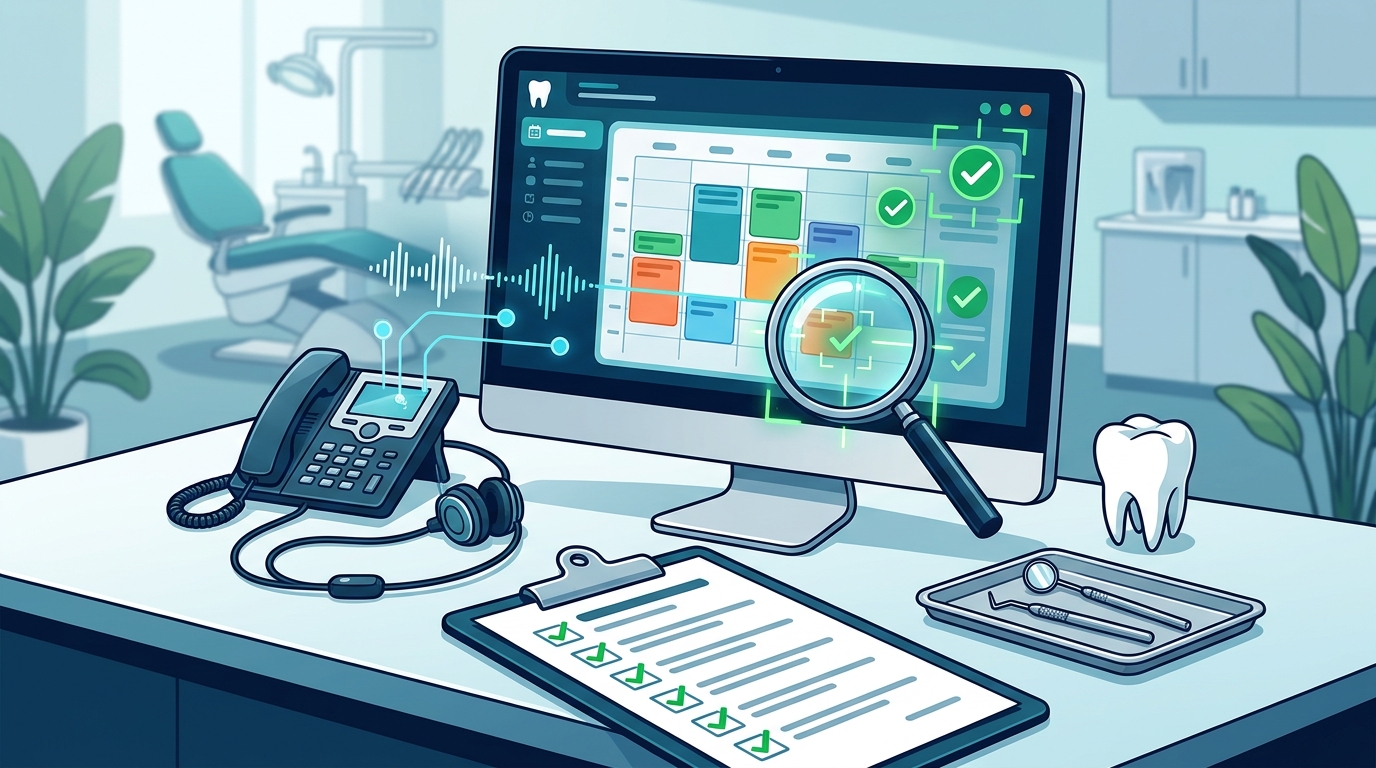
Verify that the AI updates your practice management system in real-time. A delay between the AI confirming a slot and the slot appearing in your calendar creates a window for double-booking. Call the AI to book an appointment and immediately check your practice management software. The slot should reflect within seconds, not minutes. If there is a lag, investigate the API connection between the AI platform and your dental software.
2. Simulate Double-Booking Scenarios
3. Validate Provider and Room Assignment
Confirm the AI assigns the correct dentist and treatment room. Dental practices often have multiple providers with different schedules. Ask the AI to book a specific hygienist or doctor. Verify that the appointment is linked to the correct provider profile in your system. Incorrect provider assignment leads to patient confusion and wasted chair time. Ensure the AI understands your specific provider names and aliases.
4. Check Buffer Time and Duration Logic
Ensure the AI respects the required duration for each procedure type. A cleaning takes longer than a consultation. The AI must allocate the correct amount of time for the service requested. If the AI books a 30-minute slot for a 60-minute procedure, the schedule will break. Test various procedure types to confirm the AI applies the correct duration rules. This prevents overlapping appointments and ensures realistic scheduling.
5. Review Confirmation Message Accuracy
Verify that the SMS or email confirmation matches the booked details. After the AI books the appointment, check the confirmation message sent to the patient. The date, time, provider, and location must be accurate. A mismatch between the verbal confirmation and the written record causes patient anxiety. Review several confirmation messages to ensure consistency. This step validates the data flow from the voice interaction to the messaging system.
6. Test Cancellation and Rescheduling Flows
Confirm the AI can correctly modify or cancel existing appointments. Booking is only half the job. The AI must also handle changes. Ask the AI to reschedule an existing appointment to a new time. Verify that the old slot is released and the new slot is booked. Check that the patient receives an updated confirmation. Errors in this flow lead to ghost appointments and calendar clutter. Ensure the AI can handle complex changes, such as moving an appointment to a different provider.
7. Audit Post-Call Intelligence Logs
Use post-call analysis to review the AI's decision-making process. Modern AI platforms provide transcripts and logs of every interaction. Review the logs to see how the AI interpreted the patient's request. Did it understand the date correctly? Did it identify the right procedure? This audit trail helps you identify patterns in misinterpretation. It allows you to refine the AI's prompts and training data. Regular audits ensure the AI improves over time.
Choosing the Right Verification Method
Select the verification method that matches your biggest risk. If you suffer from double-bookings, prioritize testing conflict detection. If patients complain about wrong providers, focus on provider assignment. Start with the most critical failure mode for your practice. Combine multiple tests for a comprehensive validation. Regular re-testing is essential as your schedule and procedures evolve.
Frequently Asked Questions
How often should I test my AI booking system?
You should test your AI booking system weekly during the first month of deployment. After that, monthly spot checks are sufficient. Increase testing frequency if you change your practice management software or add new providers. Regular testing ensures the AI remains aligned with your current operational rules.
What is the most common booking error in AI systems?
The most common error is a mismatch between the verbal confirmation and the actual calendar entry. This often happens due to time zone confusion or date format ambiguity. Ensure your AI is configured with the correct time zone for your practice. Use clear date formats in your training data to minimize this error.
Can AI handle complex dental schedules with multiple providers?
Yes, modern AI systems can handle complex schedules with multiple providers. They can distinguish between different doctors, hygienists, and assistants. The key is providing accurate schedule data to the AI. Ensure your practice management system exports provider-specific availability correctly. The AI will then book appointments only when the specific provider is available.
How do I fix an AI that books appointments in the past?
If the AI books appointments in the past, check its date interpretation logic. It may be confusing relative dates like "next Tuesday" with the wrong week. Provide explicit examples in your training data. You can also configure the AI to reject any date that is earlier than the current date. This safety check prevents impossible bookings.
Does the AI need to know insurance details to book?
No, the AI does not need to verify insurance to book an appointment. It should focus on scheduling the patient with the correct provider. Insurance verification is typically handled by front desk staff or a separate system. Keep the AI's role focused on availability and scheduling to reduce complexity and error rates. Learn more: Contact CX Bridge Book.