

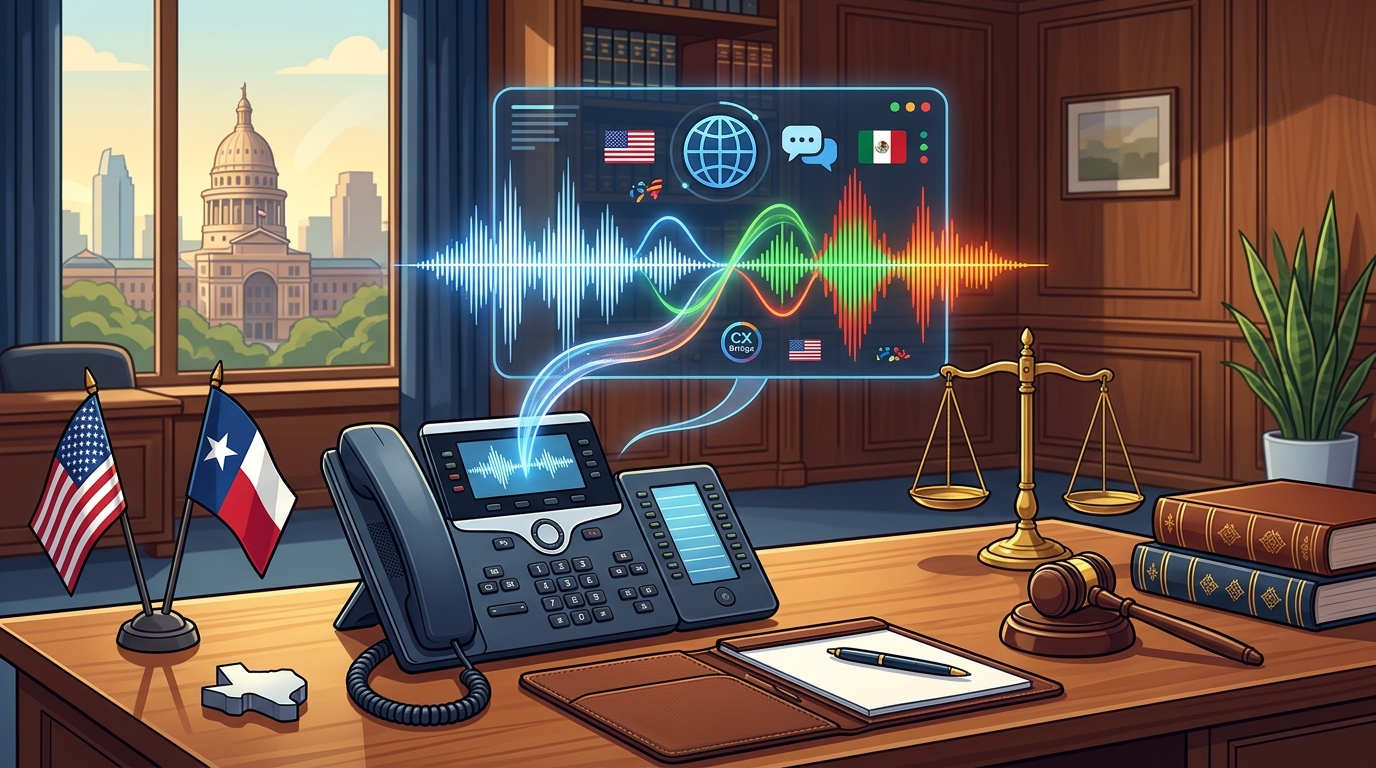
Yes, you can verify bilingual capability by testing language detection, accent handling, and legal terminology accuracy. For Austin law practices, the key is ensuring the AI supports both English and Spanish with automatic switching. This prevents miscommunication during intake. CX Bridge provides this multilingual support, allowing your firm to serve diverse clients without hiring additional bilingual staff.
Why Language Detection Matters in Legal Intake
Language detection is the process where a system identifies the caller's language before responding. In a legal context, this is critical because a caller may start in Spanish and switch to English mid-sentence. If the AI cannot detect this shift, it may respond in the wrong language, causing confusion. This friction can lead to dropped calls and lost cases.
For an Austin law practice, the client base is often mixed. A firm might receive calls from English-speaking corporate clients and Spanish-speaking personal injury clients. The AI must handle both seamlessly. If the system forces a caller to choose a language at the start, it creates a barrier. Automatic detection removes this friction. It allows the conversation to flow naturally, respecting the caller's preference.
CX Bridge supports automatic language detection. The system listens to the first few seconds of audio to determine the language. It then responds in that language. If the caller switches, the AI adapts. This capability is essential for firms that want to provide equal service to all clients. It ensures that no one is turned away due to language barriers.
Testing Accent and Dialect Variations
Accent handling is the ability of a speech recognition system to understand different pronunciations of the same words. Spanish is not a monolith. There are significant differences between Mexican Spanish, Caribbean Spanish, and European Spanish. An AI that only understands one dialect will struggle with others. This can lead to transcription errors and misunderstood legal details.
When evaluating a vendor, you must test with various accents. Call the system using a strong Mexican accent. Then try a Puerto Rican accent. Listen to how the AI responds. Does it understand the question? Does it ask for clarification when needed? A robust system should handle these variations with high accuracy. It should not force the caller to speak slowly or clearly.
CX Bridge is built to handle multilingual conversations. It supports over 20 languages, including Spanish. The underlying speech-to-text models are trained on diverse datasets. This means it can understand a wide range of accents. For your Austin practice, this means you can serve clients from different regions. You do not need to worry about the AI missing key details due to accent differences.
Accuracy in Legal Terminology
Legal terminology is the specific vocabulary used in law, such as "liability," "statute of limitations," or "discovery." These terms have precise meanings. An AI that translates them incorrectly can cause serious problems. For example, confusing "plaintiff" with "defendant" changes the entire context of the case. The AI must understand these terms in both English and Spanish.
You should test the AI with common legal questions. Ask it about filing deadlines or court locations. Listen to how it explains these concepts. Does it use the correct terminology? Does it avoid making up answers? A good AI receptionist should know when to transfer a complex legal question to a human. It should not guess. It should guide the caller to the right person.
CX Bridge allows you to upload a knowledge base. You can include your firm's specific policies, service areas, and common questions. The AI uses this information to answer accurately. This reduces the risk of hallucination. It ensures that the AI only provides information that you have approved. This is a critical feature for law firms that need to maintain professional standards.
Handling Code-Switching and Mixed Languages
Code-switching is the practice of alternating between two or more languages in a single conversation. This is common in bilingual communities. A caller might say, "I need to talk to the lawyer about mi caso." The AI must understand both parts of the sentence. It should not get confused by the mix. It should respond in the dominant language or ask for clarification.
Many AI systems struggle with code-switching. They may drop the Spanish part of the sentence or misinterpret it. This can lead to incomplete intake. The caller might feel frustrated and hang up. To test this, try calling the system and mixing languages. See how the AI reacts. Does it stay on track? Does it capture all the details? A robust system should handle this naturally.
CX Bridge is designed for natural conversation. It can handle code-switching without losing context. The AI understands that the caller is bilingual. It responds in a way that feels natural. This builds trust with the caller. They feel heard and understood. This is important for building a client relationship from the very first call.
Integration with Your Existing Workflow
Workflow integration is the process of connecting the AI receptionist to your existing tools, such as your CRM or calendar. The AI should not just answer calls. It should book appointments and log details. For a law firm, this means the AI should create a new case file or update an existing one. It should send a confirmation email to the caller. This ensures that no lead is lost.
You need to check if the AI integrates with your current systems. Does it connect to your practice management software? Does it sync with your calendar? If not, you will have to manually enter the data. This defeats the purpose of automation. A good AI receptionist should work with your existing tools. It should make your life easier, not harder.
CX Bridge offers integrations with popular CRM and calendar tools. It can push call data directly to your system. This means your team sees the details immediately. They do not have to wait for a manual entry. This speeds up the intake process. It allows your lawyers to focus on the case, not the admin. This is a key benefit of using a modern AI platform.
Key Takeaways
- Language detection is essential for serving mixed-language clients in Austin.
- Test the AI with various Spanish accents to ensure high accuracy.
- Verify that the AI understands specific legal terminology in both languages.
- Check how the system handles code-switching during a conversation.
- Ensure the AI integrates with your existing CRM and calendar tools.
- CX Bridge supports automatic language detection and multilingual conversations.
Frequently Asked Questions
Does CX Bridge support Spanish?
Yes, CX Bridge supports Spanish and over 20 other languages. It uses automatic language detection to respond in the caller's preferred language.
Can the AI handle code-switching?
Yes, the AI is designed to handle natural conversations, including code-switching between English and Spanish.
How do I test the AI's Spanish capabilities?
You can test the AI by calling it and speaking in Spanish. Try using different accents and mixing languages to see how it responds.
Does the AI understand legal terms in Spanish?
Can the AI book appointments in Spanish?
Yes, the AI can book appointments and send confirmations in the caller's preferred language.
Conclusion
Choosing the right AI receptionist for your Austin law practice requires careful evaluation of bilingual capabilities. You must ensure the system can detect language, handle accents, and understand legal terms. CX Bridge offers these features, allowing you to serve your diverse client base effectively. By testing the system with real-world scenarios, you can verify its performance. This ensures that your firm provides a seamless experience to all callers. To see how CX Bridge can work for your practice, contact our team. Learn more: Contact CX Bridge Book.